Live demo
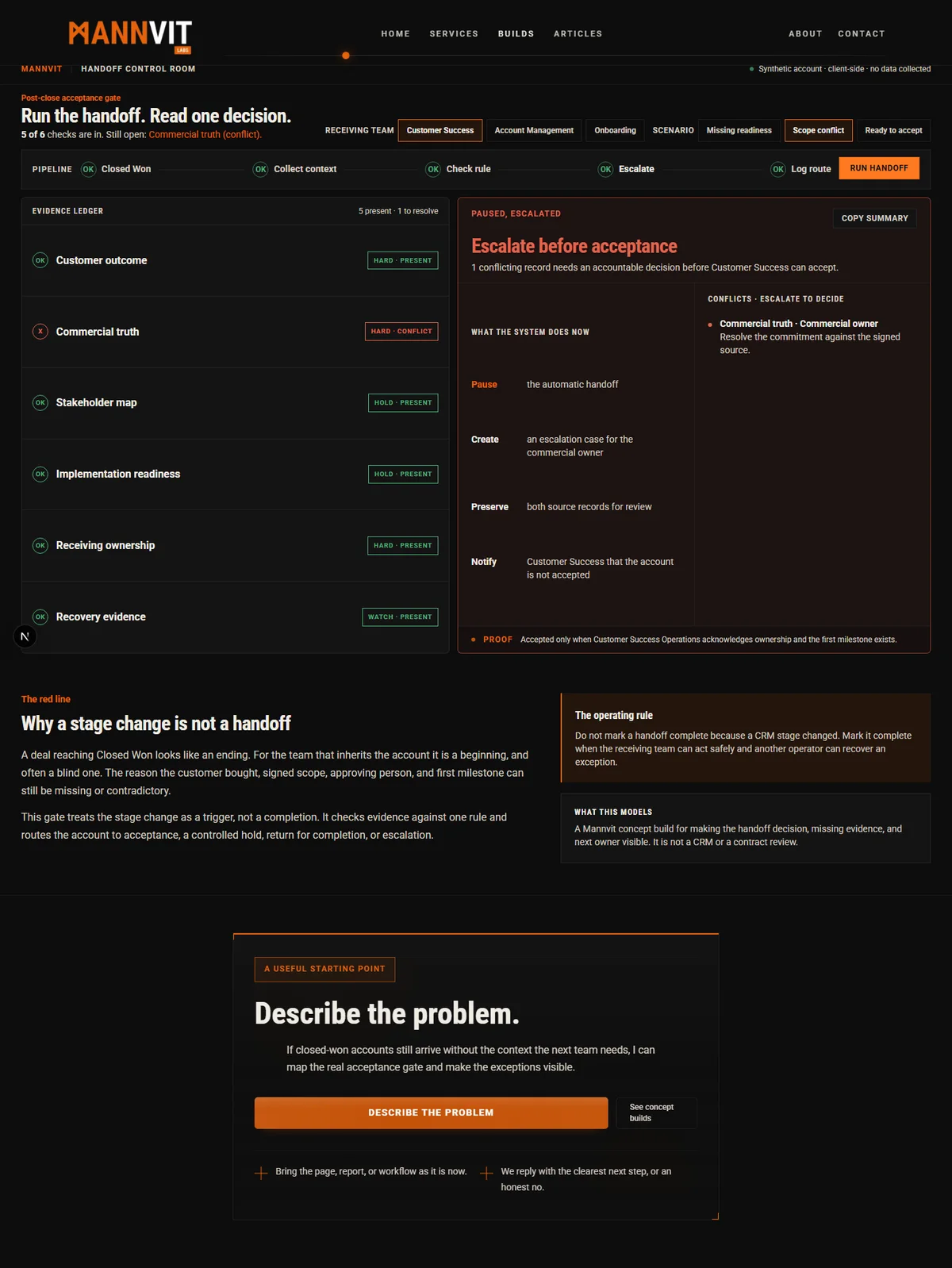
Handoff Control Room
Modelled on a post-close account that appears ready in the CRM but still lacks the agreed outcome, delivery context, or named owner the receiving team needs to act safely.
Open build →None of these are client projects. Each one takes an operational pattern we kept meeting and turns it into something working you can open and poke at: the overloaded calendar, follow-up going cold, account health nobody can read at a glance, CRM data nobody trusts. Two of them share a single physics canvas engine seen through different lenses. One is the tool we actually use to vet every block before it reaches this site.
Concept builds
Each of these is a working tool built for a wide desktop workspace. Tap any one to open and preview it here; open on a desktop for the fuller version.
Live demo
Modelled on a post-close account that appears ready in the CRM but still lacks the agreed outcome, delivery context, or named owner the receiving team needs to act safely.
Open build →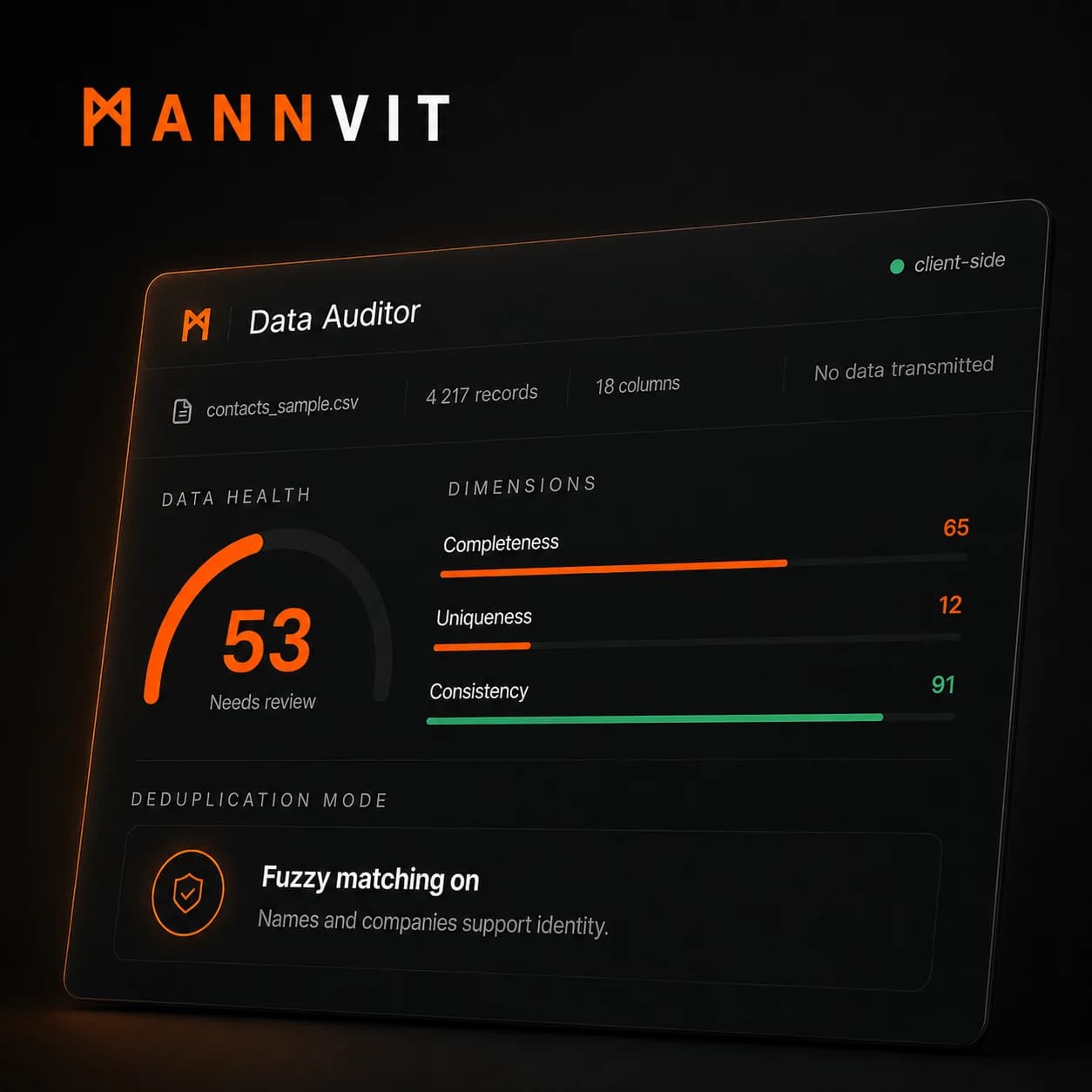
Live demo
Modelled on an operations team that could feel their CRM data was wrong (duplicate contacts, patchy email coverage, inconsistent stage values) but had no way to measure or prioritise the damage.
Open build →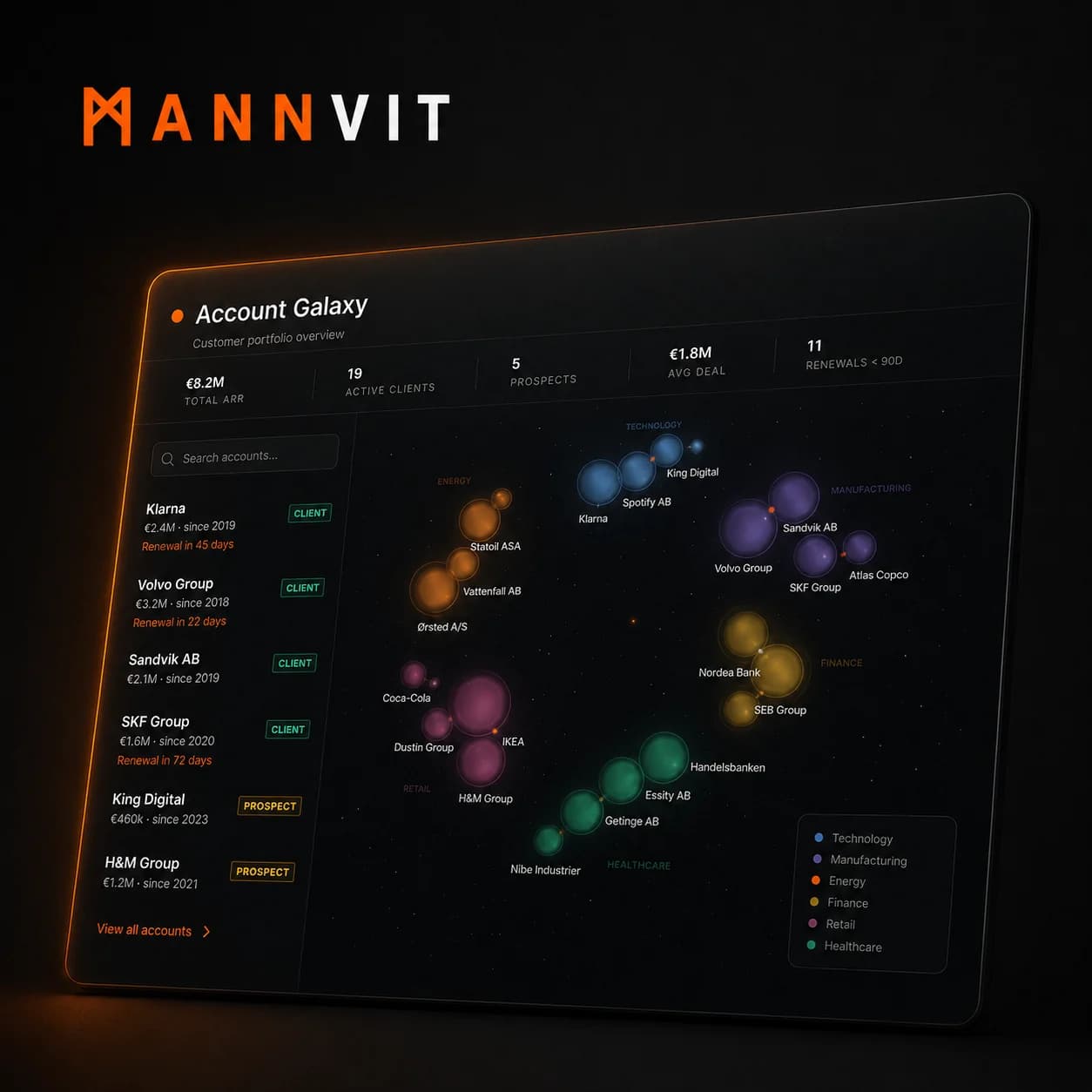
Live demo
Modelled on a sales director managing 20+ accounts across six industries with no single view of portfolio health, renewal pressure, or which companies needed attention this week.
Open build →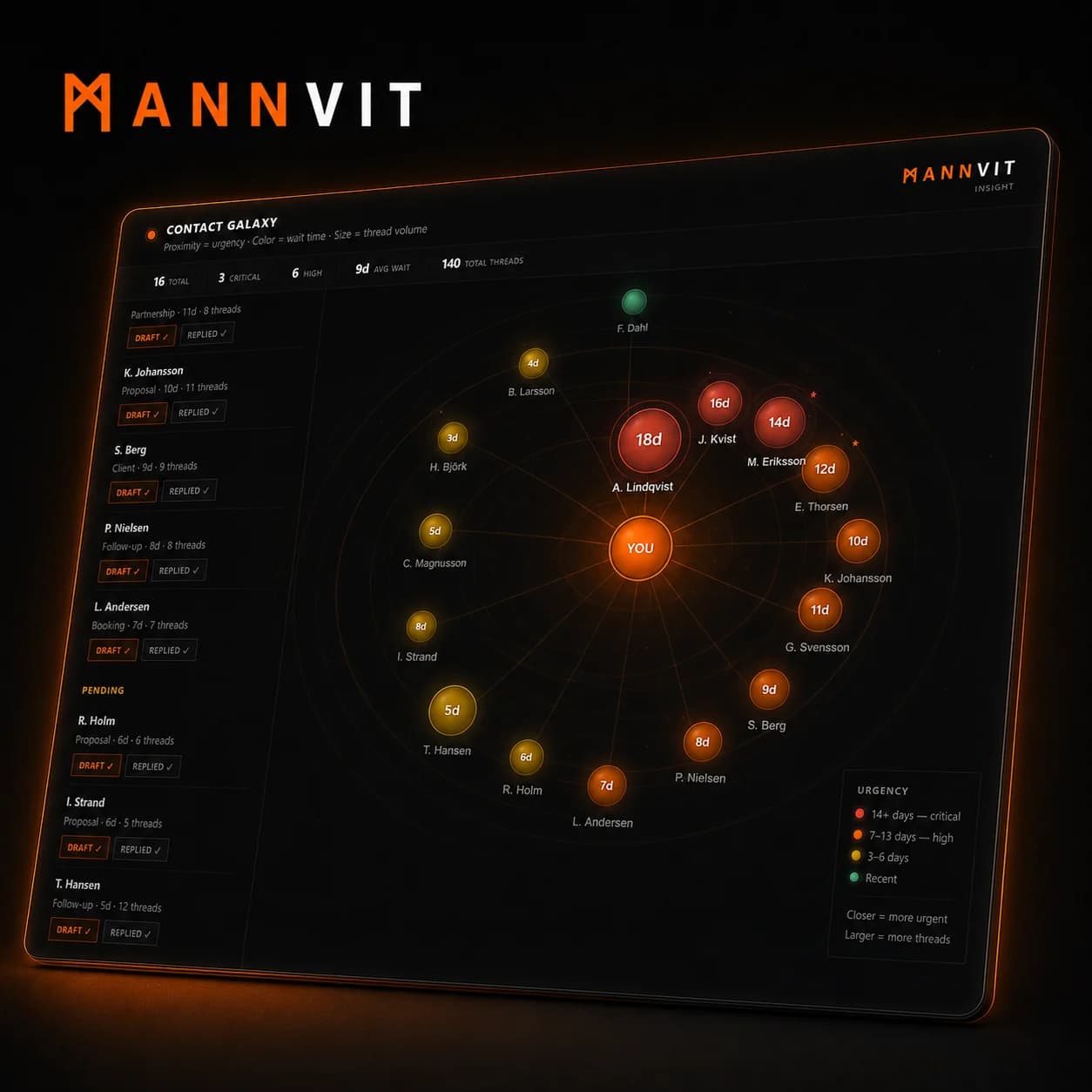
Live demo
Modelled on a client-service professional managing 15+ active conversations with no reliable way to see which relationships were going cold or which threads needed a reply today.
Open build →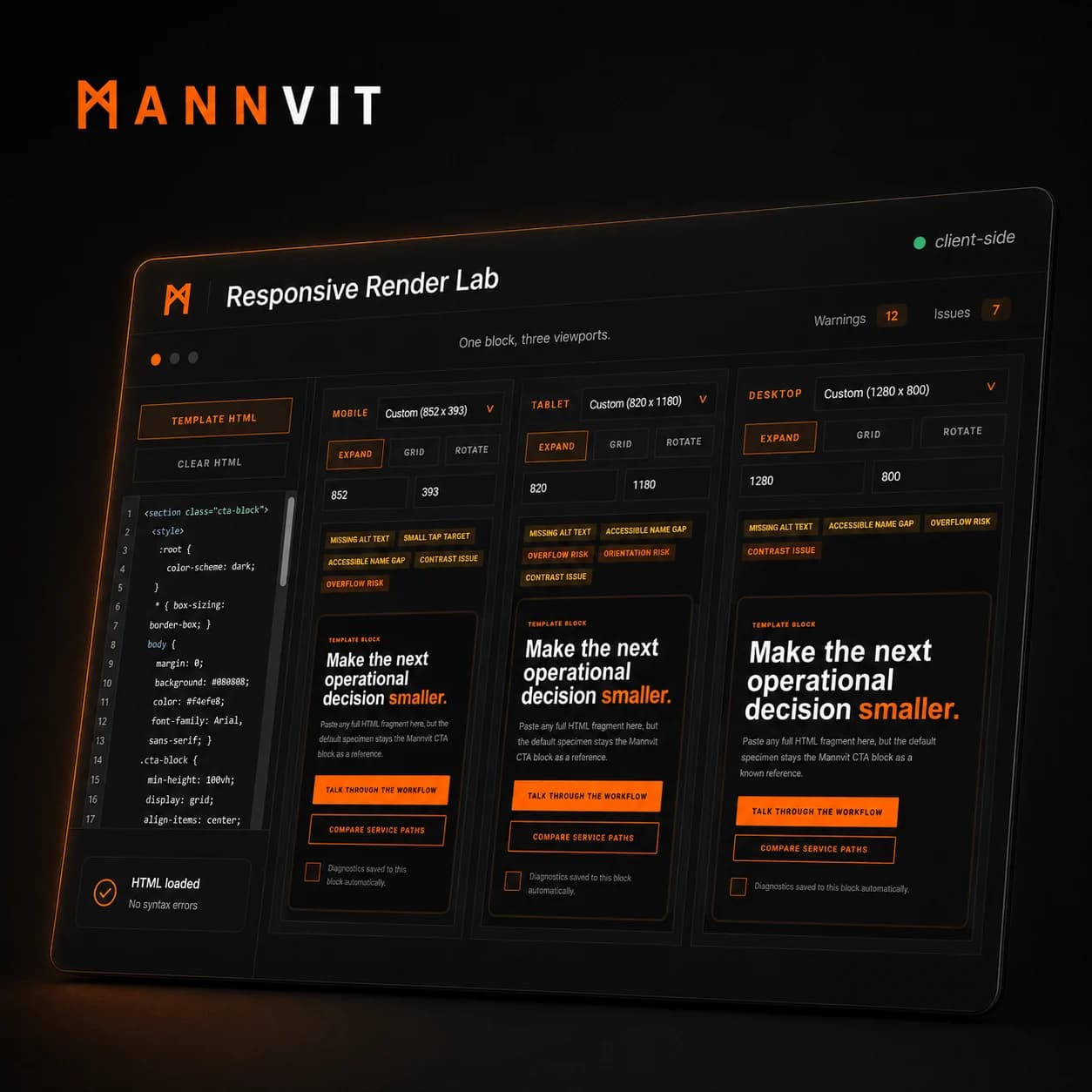
In use here
The tool we use to vet a block before it goes on this site. Blocks pass desktop review, then break under real viewport pressure, orientation changes, and accessibility limits, so we built something to catch that first.
Open build →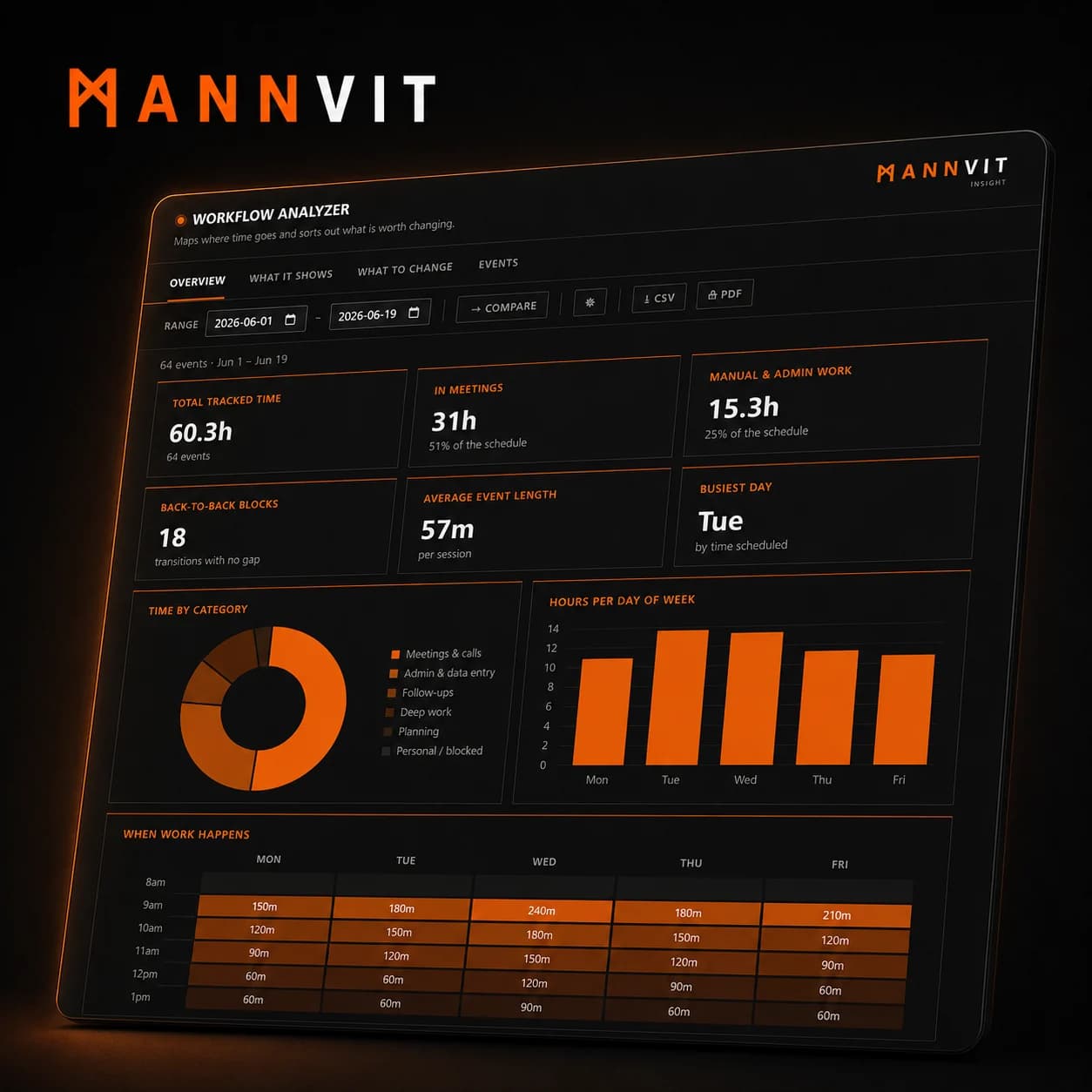
Live demo
Modelled on a small sales team juggling calls, CRM updates, follow-up, and admin work without a clear view of where execution time was being lost.
Open build →The through-line
Each build starts in the same place. The cost is real, but nobody can see it clearly enough to act on it: a week swallowed by meetings, an inbox where trust is quietly slipping, a portfolio of accounts with no health you can read at a glance. The build turns that pressure into something on a screen you can point at.
Observe: look at where time, follow-up, and manual effort actually go.
Measure: turn messy workflow behaviour into signal someone can act on.
Decide: use that signal to guide automation, batching, delegation, or redesign.